


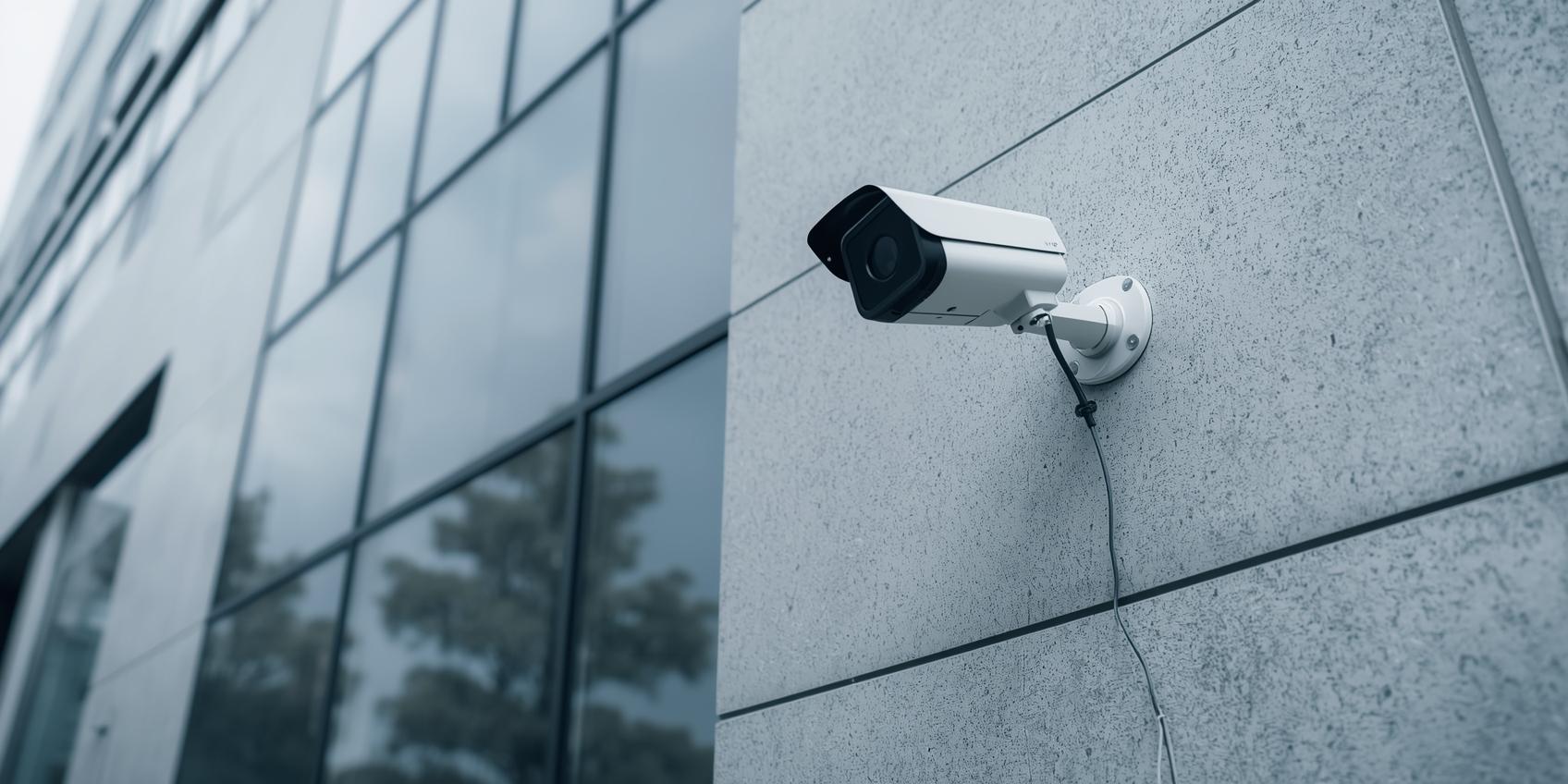
CCTV Camera Installation: A Complete Guide for Modern Security
Ever wondered why some places feel safer than others? Sometimes, it’s not the number of guards or the size of the gate… it’s the presence of a carefully installed CCTV system. CCTV Camera Installation has become as essential as locking your main door at night. Whether it’s your home, office, shop, warehouse, or outdoor space, CCTV adds a layer of security that never sleeps.
Think of CCTV cameras like extra pairs of eyes watching over your space—even when you’re not around. Just like a trusted friend who keeps an eye on things, a well-planned CCTV setup helps prevent threats, solve disputes, and protect what matters most.
This guide breaks everything down in simple, friendly language so you can understand how CCTV Camera Installation works and how to get it done right.
1. Introduction to CCTV Camera Installation
CCTV Camera Installation is the process of setting up surveillance cameras to monitor and record activity in an area. It’s used in residential, commercial, and industrial spaces to improve safety and security.
People install CCTV systems for different reasons:
- To reduce theft
- To monitor employees
- To protect entrances and exits
- To ensure family safety
- To keep an eye on shops or store shelves
- To secure parking spaces or outdoor areas
In today’s world, CCTV doesn’t just record footage—it sends alerts, recognizes faces, and even monitors movement in real-time. That’s why proper installation matters.
A poorly installed camera is like a door that doesn’t close properly—it might look fine but fails when needed most.
2. Planning & Site Survey for CCTV Setup
Before starting a CCTV Camera Installation project, you need a plan. This stage is like drawing a map before a road trip—you want to know where you’re going and what you’ll need.
Understanding Your Security Needs
Ask yourself:
- What areas need monitoring?
- Do I need indoor cameras, outdoor ones, or both?
- Do I want remote viewing on my phone?
- Do I need night vision or motion alerts?
Once you know your needs, everything else becomes easier.
Conducting a CCTV Site Survey
A site survey helps identify the best camera locations. During the survey, installers inspect:
- Entry and exit points
- Blind spots
- High-value areas
- Hallways or corridors
- Parking lots and driveways
- Lighting conditions
This helps in placing cameras where they’ll provide maximum coverage.
Determining the Right Number of Cameras
More cameras doesn’t always mean better security. It’s about placing them smartly. For example:
- One outdoor camera can cover a large entrance
- Two indoor cameras can secure a living room or office floor
- Dome cameras are perfect for wide coverage
- Bullet cameras are ideal for long-distance outdoor viewing
The goal is balanced coverage without unnecessary cost.
3. Choosing CCTV Cameras & Equipment
When it comes to CCTV Camera Installation, the equipment you choose determines the quality of your security system.
Types of CCTV Cameras
Here are the most common types:
1. Dome Cameras
Great for indoor use. They blend with the ceiling and cover wide areas.
2. Bullet Cameras
Perfect for outdoor monitoring. They offer long-range vision.
3. PTZ Cameras (Pan-Tilt-Zoom)
You can rotate, tilt, or zoom these cameras remotely.
4. IP Cameras
These work over Wi-Fi or networks and provide higher resolution.
5. Wireless Cameras
Easy to install and move, suitable for quick setups.
Choosing the Right Resolution
Camera clarity matters.
- 720p – basic use
- 1080p – standard clarity
- 4MP–8MP (4K) – high-detail footage
If you want to zoom in and still see faces clearly, choose higher resolution.
NVR vs DVR Systems
Your storage type depends on your camera:
- NVR (Network Video Recorder) – for IP and Wi-Fi cameras
- DVR (Digital Video Recorder) – for analog systems
NVRs offer better quality, while DVRs are budget-friendly.
Other Essential Accessories
A complete CCTV Camera Installation also needs:
- Hard drives
- BNC cables or network cables
- Power adapters
- Connectors
- Mounting brackets
- Power supply units
- UPS for backup
Each piece plays an important role in system performance.
4. Step-by-Step CCTV Camera Installation Process
This is where planning meets action. Proper installation ensures your cameras capture the right moments.
Step 1: Marking Camera Positions
Installers mark exact points on walls or ceilings. These locations depend on:
- Viewing angle
- Height
- Lighting
- Coverage area
Step 2: Drilling & Mounting
Holes are drilled for screws and cables. The camera is then securely mounted to avoid shaking or falling.
Step 3: Routing the Cables
Cables must be neatly passed through:
- Walls
- Ceilings
- Conduits
- Cable ducts
Clean wiring ensures long-term reliability.
Step 4: Connecting Cameras to the Recorder
Each camera connects to an NVR or DVR using:
- Network cables (for IP cameras)
- Coaxial cables (for analog cameras)
Step 5: Powering the System
Cameras need a stable power supply. Installers connect:
- DC adapters
- Power boxes
- PoE switches (for IP cameras)
Step 6: Adjusting Angles & Focus
Camera angles are adjusted to:
- Avoid glare
- Reduce blind spots
- Capture faces clearly
- Cover entrances and exits
Adjusting angles is like positioning lights on a stage—the right lighting makes everything visible.
5. Wiring, Power Supply & Network Setup
Proper Cable Management
Good wiring ensures:
- No signal loss
- Clean installation
- Long cable life
- Easy maintenance
Installers use:
- Cable ties
- Trays
- Conduits
- Clips
Power Supply for CCTV Camera Installation
There are two common power methods:
1. Individual adapters
Each camera gets a separate adapter.
2. Power supply box
Centralized power source for multiple cameras. More reliable.
Network Configuration for CCTV Systems
IP cameras require:
- IP addressing
- Router configuration
- Port forwarding (if remote viewing is needed)
This enables camera access from:
- Smartphones
- Laptops
- Tablets
Remote viewing is one of the biggest advantages of modern CCTV Camera Installation.
6. Testing, Monitoring & Video Quality Optimization
Once everything is installed, testing begins.
Testing Each Camera
Installers check:
- Video clarity
- Angle accuracy
- Night vision performance
- Motion detection
- Audio (if available)
Recording & Playback Testing
Footage must play smoothly without lag.
Testing also includes checking:
- Hard drive health
- Recording duration
- Backup storage
Optimizing Video Quality
Video quality depends on:
- Resolution settings
- Lighting conditions
- Camera placement
- Bitrate configuration
Proper optimization ensures you get clear footage—even in low light.
7. Safety, Maintenance & Troubleshooting
Regular Maintenance
A CCTV system needs regular checks, such as:
- Cleaning camera lenses
- Ensuring cables are secure
- Checking night vision LEDs
- Verifying hard drive status
Common Problems & Fixes
Some frequent issues include:
1. Blurry Footage
Often caused by dust or poor focus.
2. No Video Signal
Cable issues or loose connectors.
3. Night Vision Not Working
Lighting issues or faulty infrared LEDs.
4. Hard Drive Not Recording
Storage failure or system settings.
Safety During CCTV Camera Installation
Technicians must follow safety measures:
- Using proper ladders
- Avoiding live wires
- Ensuring stable mounts
- Wearing protective gear
Safety protects both the technician and the property.
8. Latest Trends in CCTV Camera Installation
Technology keeps evolving, and so does CCTV.
AI-Powered Cameras
These cameras detect:
- Faces
- Movement
- Intruders
- Unusual behaviors
Cloud Storage
Instead of hard drives, footage is stored online, making it accessible anytime.
Wireless & Battery Cameras
Perfect for quick installation without wiring.
Solar CCTV Cameras
Eco-friendly and ideal for remote areas.
Integration with Smart Homes
CCTV systems now connect with:
- Smart locks
- Mobile apps
- Alarms
- Voice assistants
Modern CCTV Camera Installation offers more power and convenience than ever.
Conclusion
CCTV Camera Installation is more than just mounting a camera—it’s about creating a safe environment for your home, family, business, and property. From planning to equipment selection, installation, wiring, testing, and maintenance, every step matters. When done correctly, CCTV becomes your silent guardian, watching over every corner 24/7.
Just like installing strong windows protects your home from storms, a well-installed CCTV system protects you from risks before they even reach your doorstep.
FAQs
1. How many cameras do I need for CCTV Camera Installation?
It depends on your space. Most homes need 2–6 cameras, while businesses may require more.
2. Can I install CCTV cameras myself?
Yes, but professional installation ensures better angles, wiring, and system reliability.
3. Do CCTV cameras work without Wi-Fi?
Yes. Analog and DVR systems don’t need Wi-Fi, but remote viewing requires internet.
4. How long does CCTV footage last?
Depending on your hard drive, footage usually lasts 7–30 days before auto-overwriting.
5. Are wireless cameras reliable for CCTV Camera Installation?
Yes, but they depend on Wi-Fi strength. Wired cameras offer more stability.